Swift
Realm
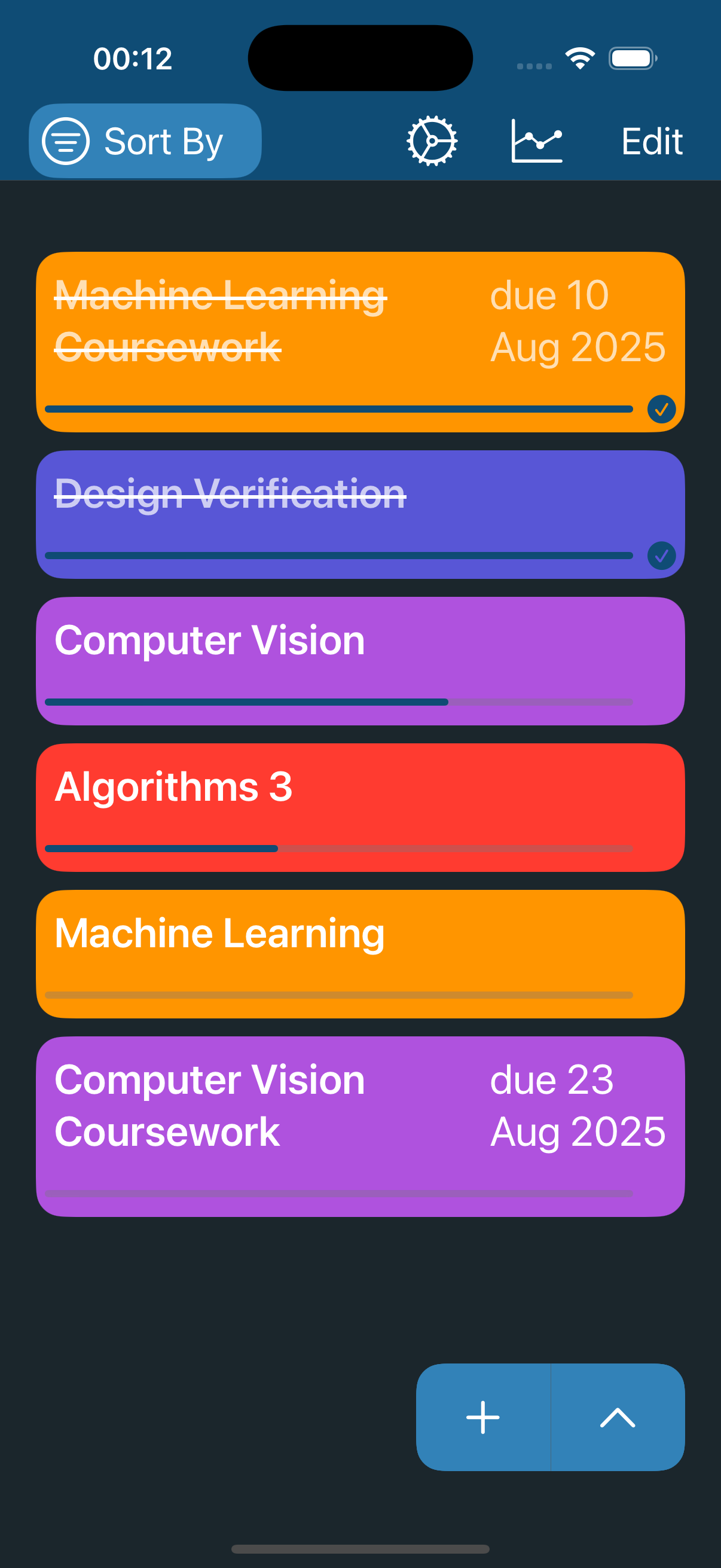
An updated version of Timed Progress
which has been released on the app store
Overview
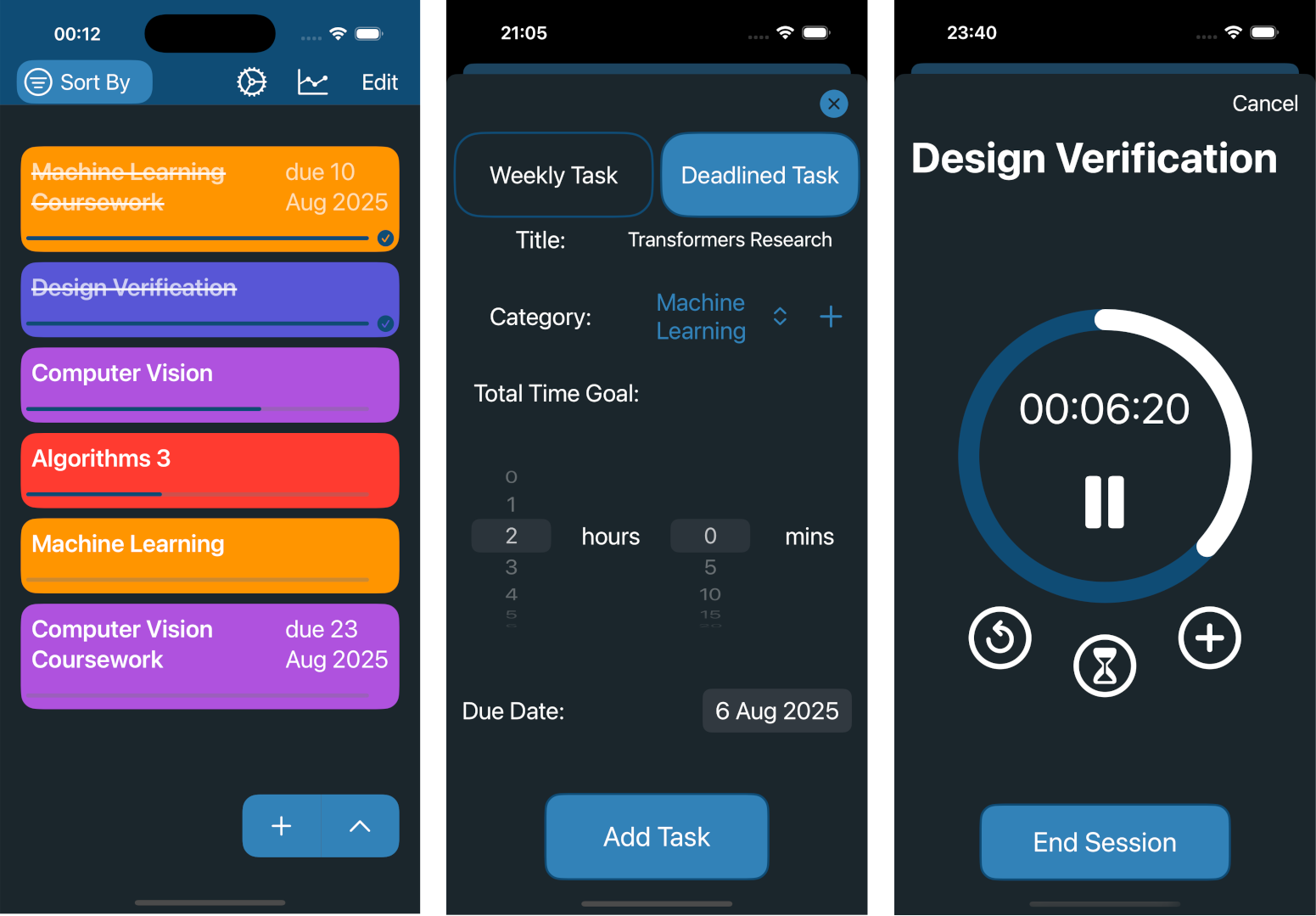
I built this application with the intention of bettering my time
management. The base concept of the app came from Universities 'hours
per credit' systems where they prescribe a recommended amount of time to
focus on each module per week. For example, a 20 credit module would be
200 hours of work. Working off this concept my app lets you add tasks
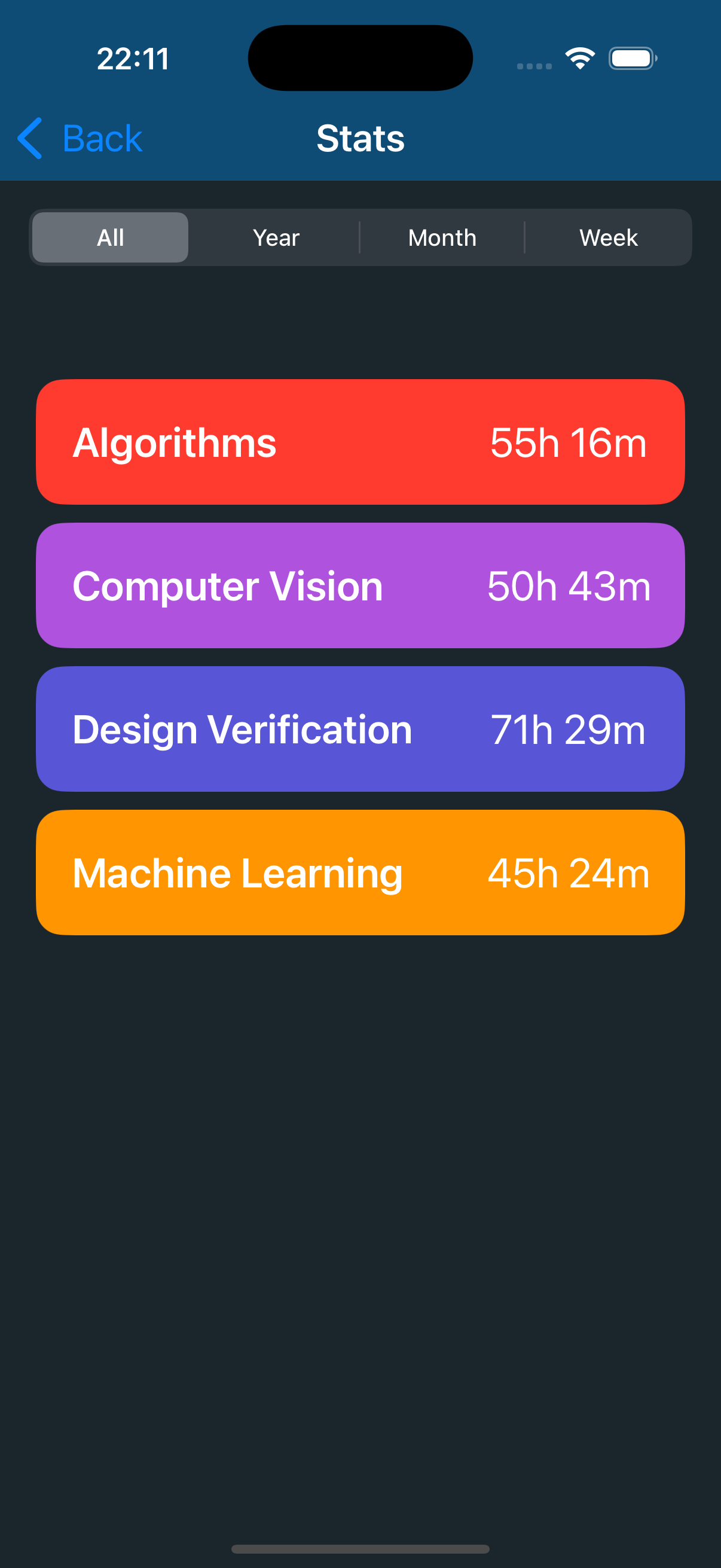
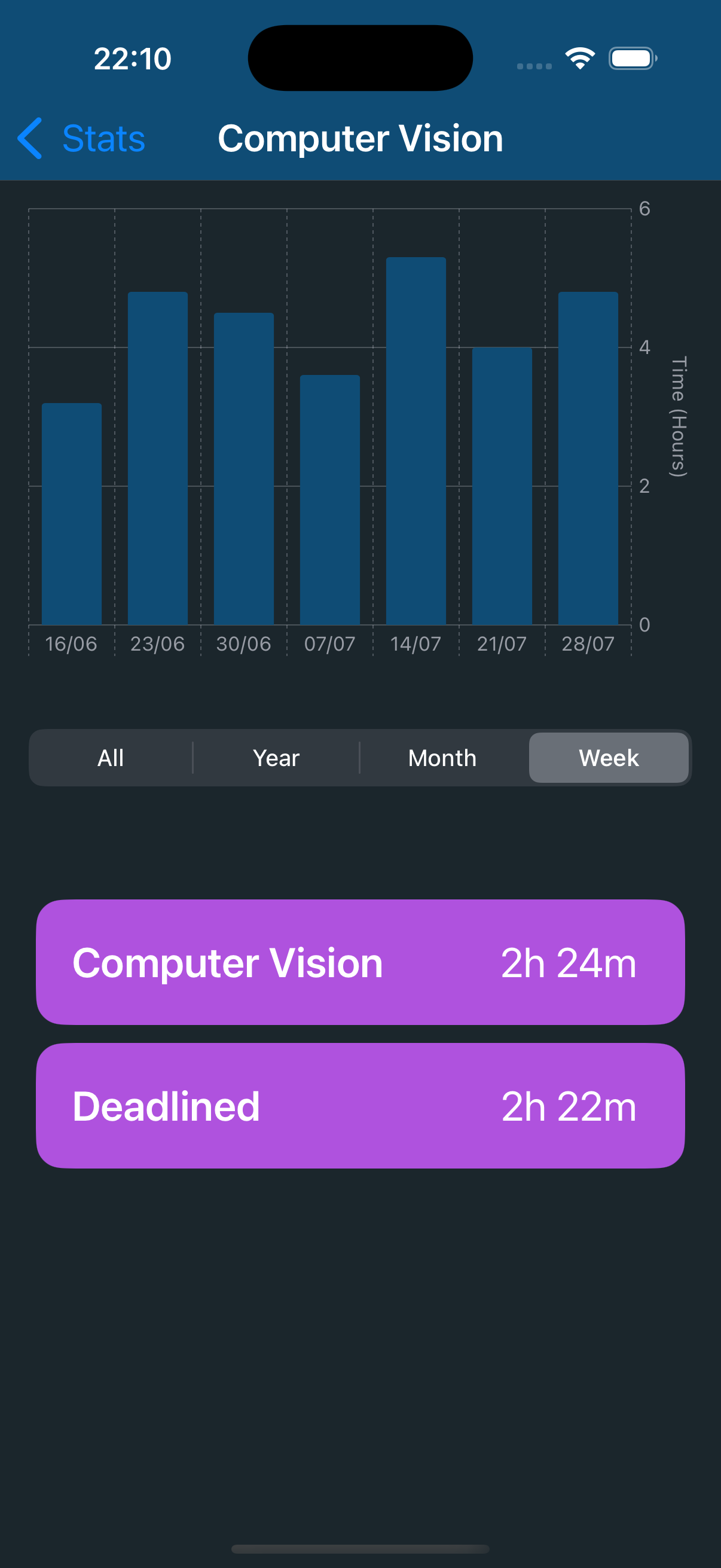
with their required hours per week so you may: view this progress, see if you
are hitting the goals and see whether you are neglecting certain modules.
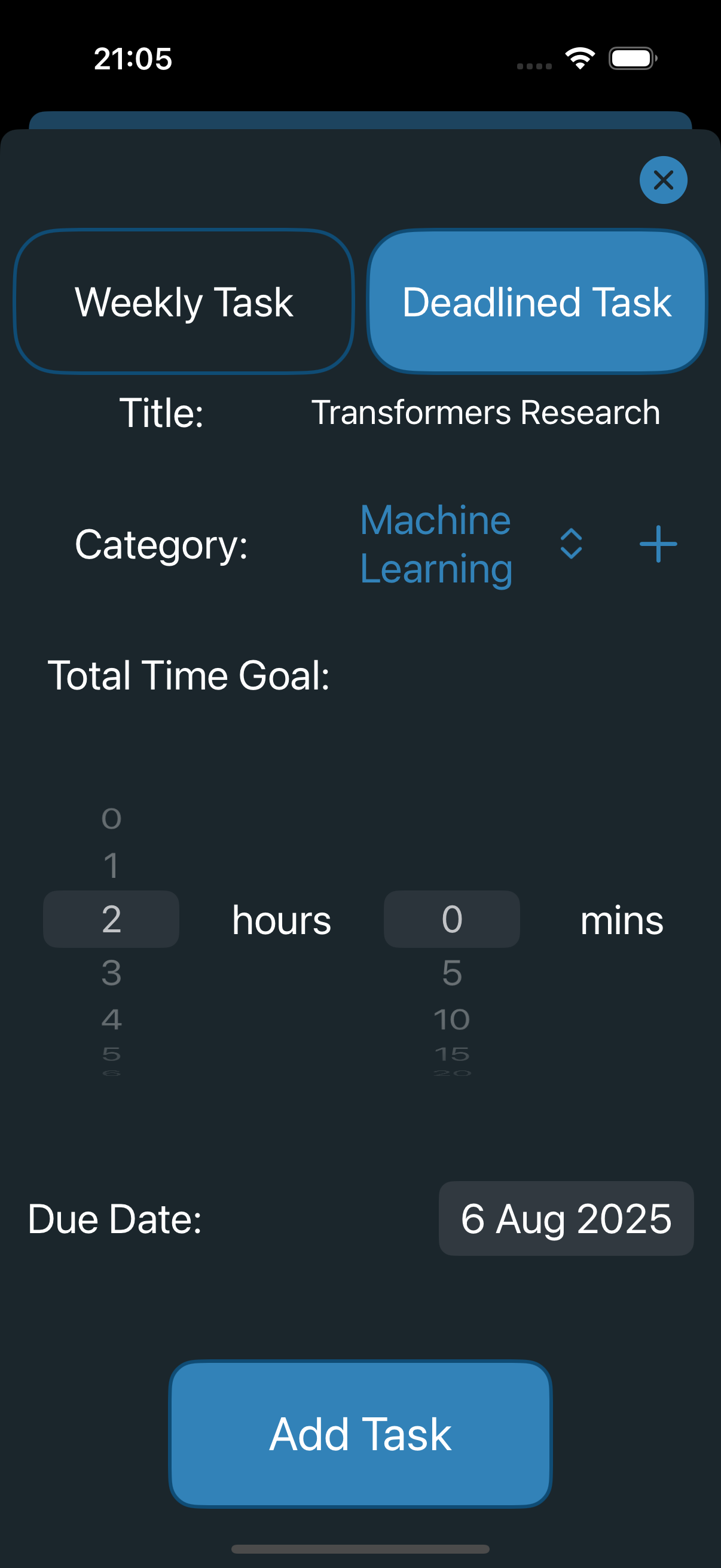
I later expanded this focus on Uni life and added individual tasks.
These are tasks with deadlines (such as a coursework
or dissertation), again you would prescribe a target time to complete this
task.
Features
Adding, deleting and editing tasks
For this project I didn't see the need to store user data remotely
as the only benefits I could see for this type of data storage were
syncing between devices (which is unlikely as the code is only for one
type of device), or as a fail-safe in case local data is lost (this data
is likely not that important to the user). As this is not enough to justify
the costs, I instead opted to store all data locally through the use of
Realm as this is a relatively friendly database management system. This is excluding
the feedback form which does use Firebase as this is information I need access to.
Timer
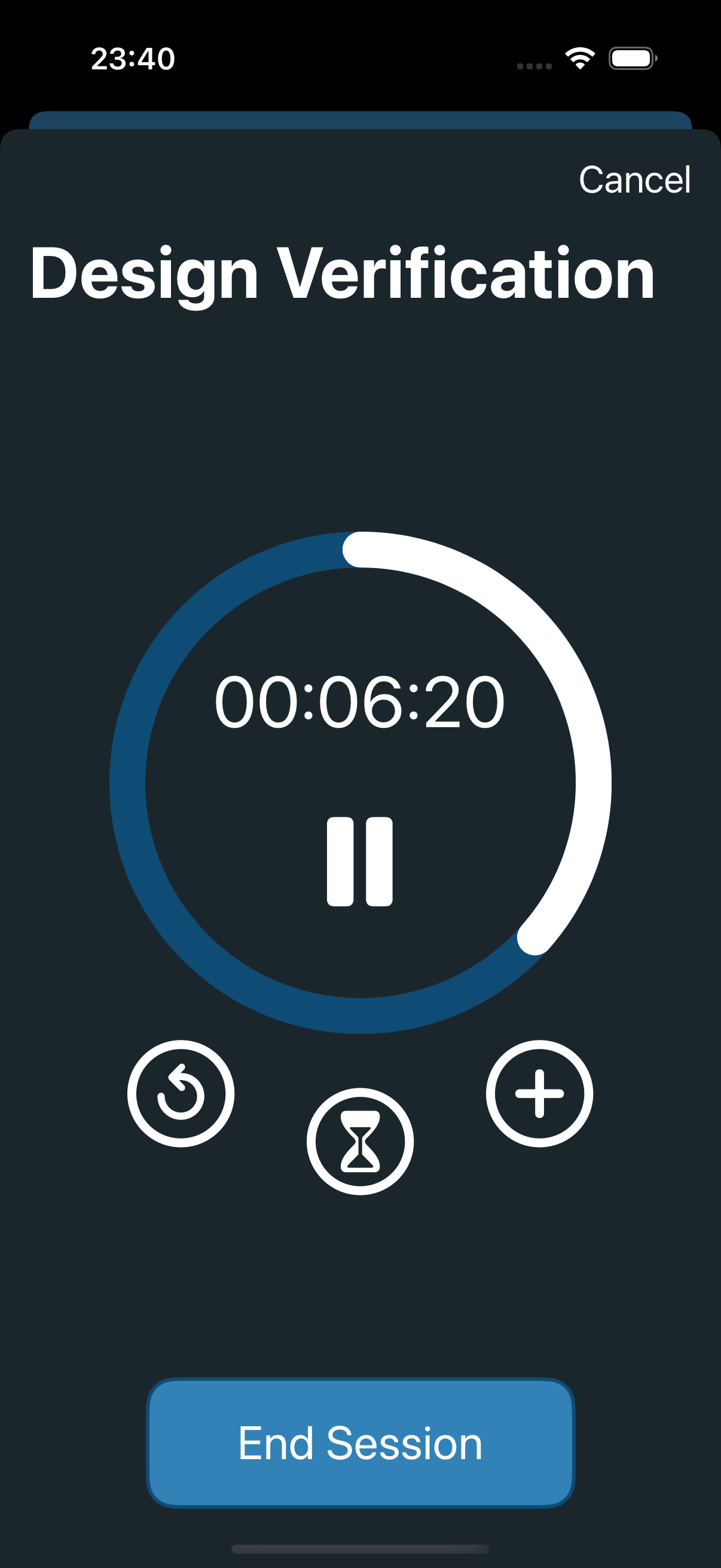
In this app there are three types of timers; continuous, countdown and Pomodoro. For
this I created an interface which all the timer models followed, for simplicity and
consistency the Pomodoro actually uses the countdown timer model just in a smart way.
The basic way these timers operated was by storing the start time and publishing to the
main thread each second, this structure meant that when the app goes into the background
the timers are not affected. The important thing here is that cancellables are in fact cancelled
when no longer required to ensure unnecessary updates are not published to the main thread.
Sorting Tasks
For this I used a bubble sort as this will likely be a list under 15 or
so items and so the extra code complexity of a merge sort, quick sort or
any other O(n log n) algorithm would not me worth the impact on code
readability.
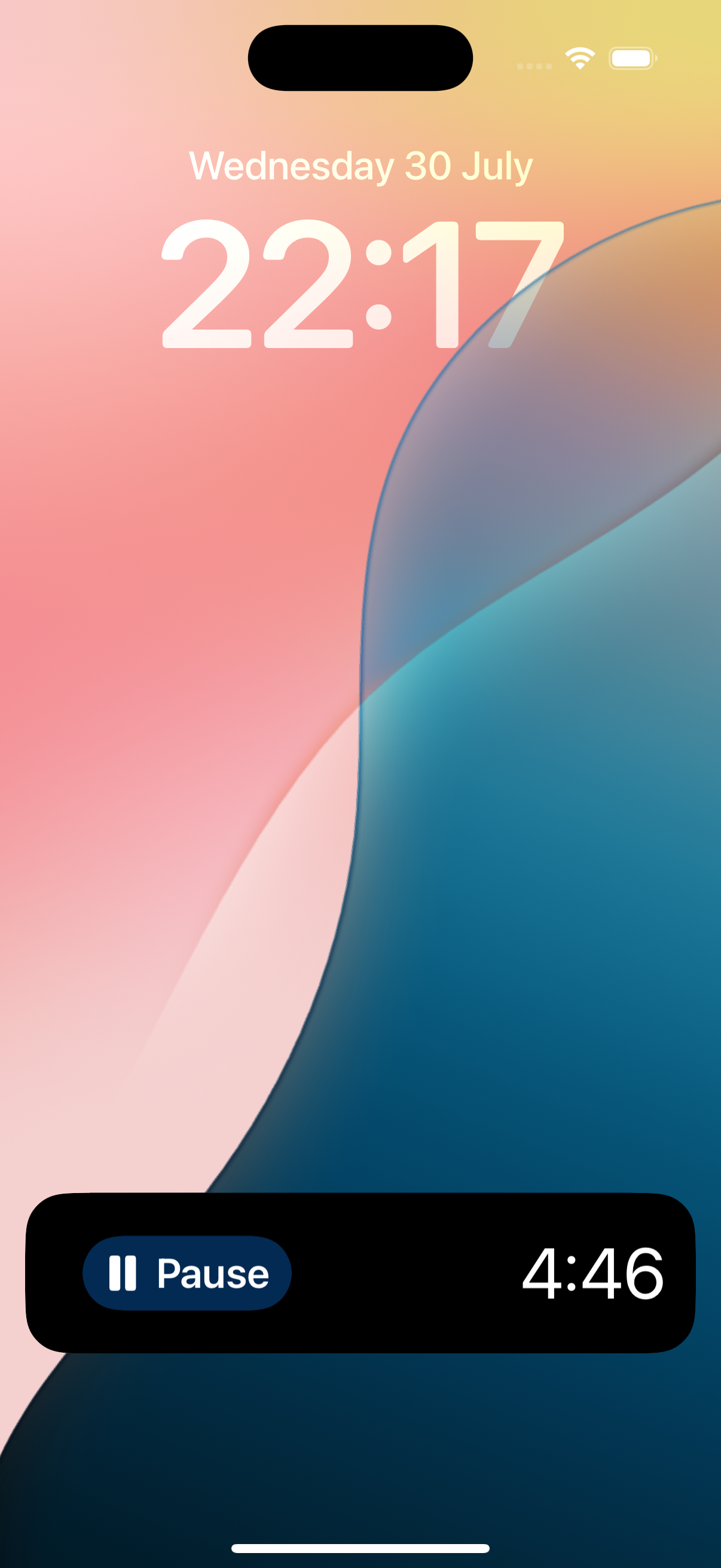
Live Activities
This part was a real challenge for me as I had never programmed any widget,
let alone a live activity. The main difficulty in this came from giving the
appearance of a timer counting down without actually calling requests from the
app. For this I got the start-date and end-date and used a type of text object
which changed depending on the current date. When the button paused the timer
a live activity was updated and I substituted the text object for
a static text of the current time. When the button played the timer a live activity
was updated with new start and end dates. This meant that live activities only
called upon the app upon creation, playing and pausing.
Tech Stack
- Programming Language: Swift
- Development Environment: Xcode
- UI Framework: SwiftUI
- Database: Realm
- Feedback: Firebase